Best of · Video · updated 2026-11-25
In short: InstaShorts, Klipora AI APK - Free Video to Shorts and Narreel lead the Video Editing AI tools listed on EveryAI, ranked by how fully each listing documents what it does. Compare them below, then try two or three on the same real task.
Video Editing tools at a glance
| Tool | Best for | Category | Listing |
|---|---|---|---|
| Video Editing | Video | Standard | |
 Klipora AI APK - Free Video to Shorts | Video Editing | Video | Standard |
| Video Editing | Video | Standard | |
 Genjutsu AI Video Editor | Video Editing | Video | Standard |
 Vivify | Video Editing | Video | Standard |
 ToHD | Video Editing | Video | Standard |
 Vidoveli | Video Editing | Video | Standard |
| Video Editing | Video | Standard | |
| Video Editing | Video | Standard | |
| Video Editing | Video | Standard |
The 10 picks
1 InstaShorts Standard
Repurpose your behind-the-scenes videos into viral TikToks
- Here's why InstaShorts is a must-have tool for anyone looking to dominate the social media landscape:
- - AI Video Editing: Say goodbye to hours spent editing videos manually. InstaShorts leverages AI to curate, edit, and transcribe your TikToks seamlessly, saving you time and effort.
- - Personalized Narration: Want to add a personal touch to your TikToks? InstaShorts allows you to narrate your videos in your own voice, making your content more engaging and authentic.
- - Endless Creativity: With InstaShorts, the possibilities are endless. Unleash your creativity and explore a wide range of editing options to make your TikToks stand out from the crowd.
Visit instashorts.co ↗ InstaShorts details → InstaShorts alternatives →
2 Klipora AI APK - Free Video to Shorts Standard
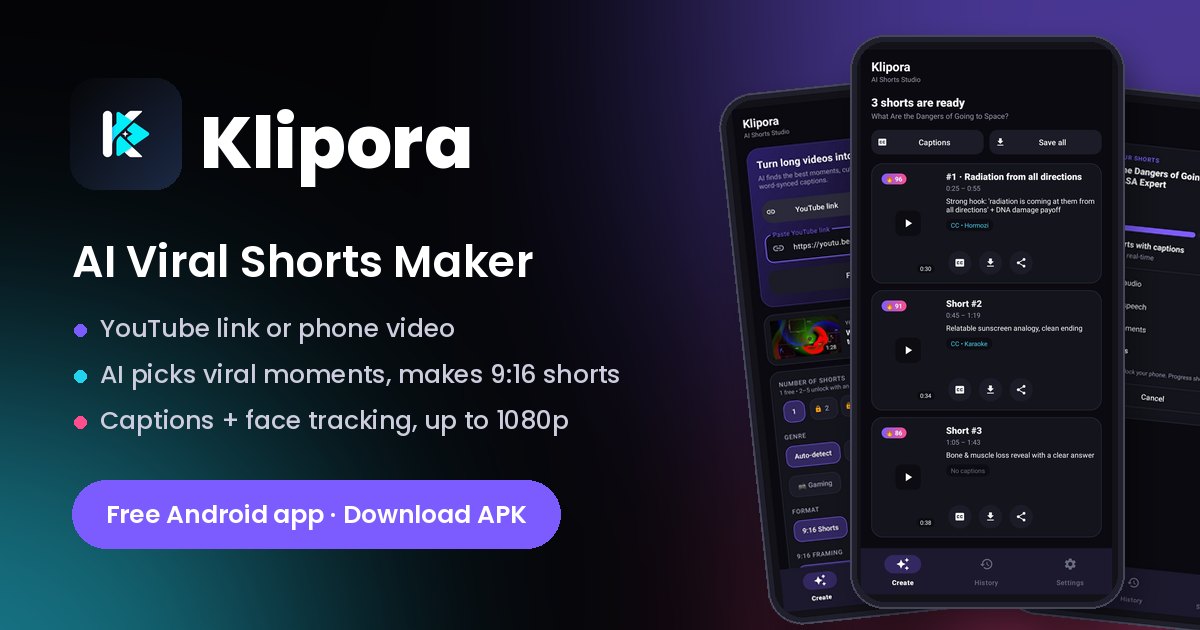
Free to download: long video to 9:16 shorts with AI captions in 29 languages, plus face tracking for podcasts.
- Free to download; on Android the free version makes 1 short per video at 720p
- Captions, face tracking, 1080p and 2 to 5 shorts unlock by watching a short ad
- AI picks the strongest moments from a long video and cuts them into 9:16 shorts
- Word-by-word AI captions in 29 languages: Hinglish, Hindi, English, Spanish, French, German, Portuguese, Italian, Dutch, Turkish, Indonesian, Polish, Vietnamese, Russian, Ukrainian, Arabic, Urdu, Japanese, Korean, Chinese, Thai, Bengali,…
Visit klipora.sites.tab.bot ↗ Klipora AI APK - Free Video to Shorts details → Klipora AI APK - Free Video to Shorts alternatives →
3 Narreel Standard
Narreel is an AI-powered video creation workspace for creators, storytellers, and businesses. Turn ideas and scripts into narrated videos, Shorts, product content, and visual stories with AI-assisted scenes, visuals, voices, captions, sound, editing, and publishing tools. For more ambitious storytelling, Narreel Director helps develop episodic content and series through structured story planning, characters,…
- Narreel is an AI-powered video creation workspace for creators, storytellers, and businesses.
- Turn ideas and scripts into narrated videos, Shorts, product content, and visual stories with AI-assisted scenes, visuals, voices, captions, sound, editing, and publishing tools.
- For more ambitious storytelling, Narreel Director helps develop episodic content and series through structured story planning, characters, storyboards, scenes, continuity, and AI-generated video sequences—all within one creative workflow.
Visit narreel.com ↗ Narreel details → Narreel alternatives →
4 Genjutsu AI Video Editor Standard
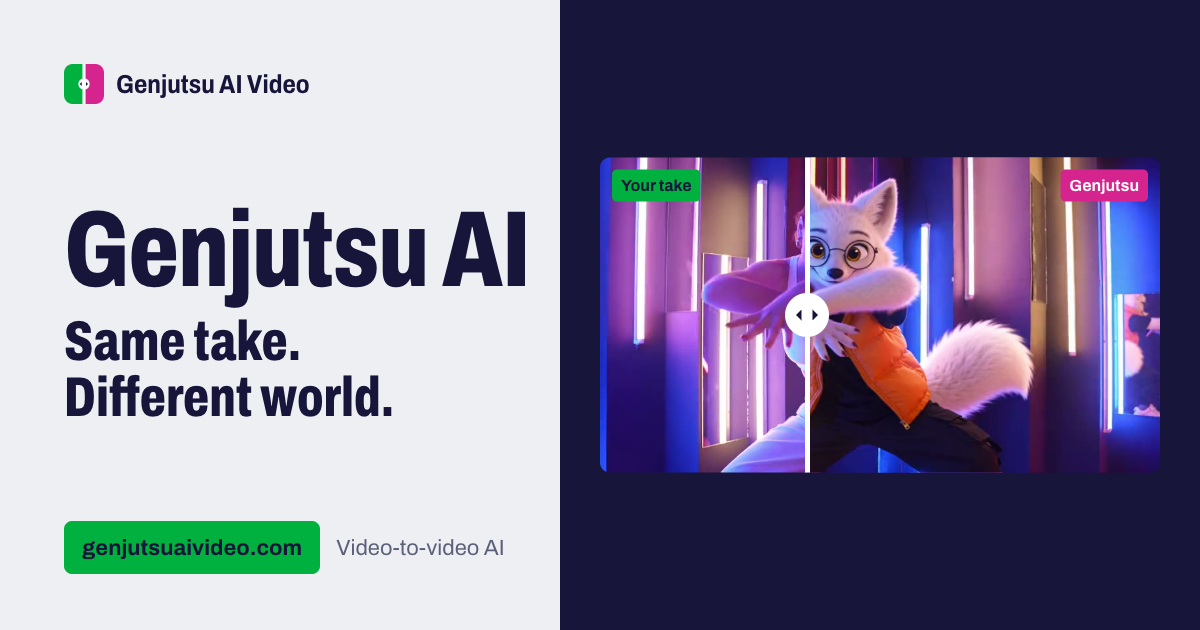
Upload a clip, describe the change, and Genjutsu AI swaps characters, outfits or scenes while aiming to keep the camera motion. From $4.99, no subscription.
- Video-to-video AI editor: same take, different world
- Upload a clip, describe the change, and swap characters, outfits or scenes while aiming to keep the camera motion
- Transfers motion or restyles the clip as anime or clay, using the original camera motion and timing as a guide
- Trial pack $4.99 one-time (300 credits)
Visit genjutsuaivideo.com ↗ Genjutsu AI Video Editor details → Genjutsu AI Video Editor alternatives →
5 Vivify Standard
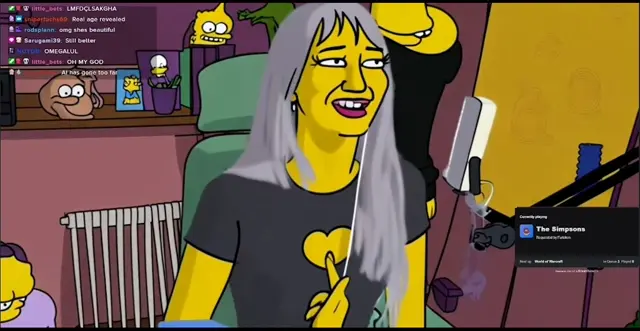
Vivify is a paid browser studio for live webcam looks. Choose Face Swap, Try-On, or Restyle, compare the AI output next to your original feed, and publish it as Vivify Camera.
- Live Face Swap, Try-On (outfit reference) and Restyle (style reference) in one browser workspace
- AI view shown beside the original webcam feed, following expression, head position and pose
- Choose a lower-cost XMAX 2.0 path or Decart Lucy quality models (Lucy 2.5, Lucy VTON, Lucy Restyle 2)
- Vivify Live Client publishes "Vivify Camera" for OBS, Zoom, Teams, Meet and Discord (Windows 10/11, macOS 13+ Apple Silicon)
6 ToHD Standard
ToHD is a free AI video upscaler that runs entirely in your browser. It turns 360p, 480p and 720p MP4, MOV or WebM clips into 720p or 1080p using Real-ESRGAN on your own graphics card through WebGPU, so the video never leaves your computer. No signup, no watermark, clips up to 10 minutes.
- Runs in your browser on WebGPU; the video is never uploaded
- AI upscaling with Real-ESRGAN: 360p/480p to 720p or 1080p
- Free: no signup, no watermark, clips up to 10 minutes
- 3-second preview with a speed estimate for your own computer
7 Vidoveli Standard
Vidoveli turns long videos into viral short clips with AI. It finds the best moments, adds animated captions and reframes them for TikTok, Reels and YouTube Shorts.
- AI clips scored 0–10 with a written reason
- Auto-reframe to 9:16, 1:1, 4:5 and 16:9
- Animated captions in 40 languages, plus translated and bilingual captions
- Edit video by editing the transcript
Visit vidoveli.com ↗ Vidoveli details → Vidoveli alternatives →
8 Remaster AI Standard
Considering Topaz Video? Test Remaster AI on your own supported footage before buying: three representative still-frame previews are free, while full-video upscaling costs $20 per 10 minutes, rounded up, with a $20 minimum and no required subscription.
- Three free still-frame previews without login or a card
- Supported SD-to-Full-HD and Full-HD-to-4K workflows
- MP4, MOV and M4V inputs with supported 4:3/16:9 aspect ratios
- 720p, square and vertical inputs not supported
Visit app.remaster.ai ↗ Remaster AI details → Remaster AI alternatives →
9 Editto Standard
Editto is an AI video editor with Ditto framework to transfer style, change elements, replace objects, denoise and synthetic-to-real video creation.
- Editto is an instruction-based AI video editing model, designed to make professional video creations.
- Leveraging the Ditto framework and Ditto-1M dataset, Editto delivers videos with visual consistency and coherent overall composition.
- Users can transform video styles, replace objects, add or remove elements, and enhance clarity through denoising, all guided by simple text prompts.
- Ideal for creative professionals, content creators, and video enthusiasts.
Visit www.editto.org ↗ Editto details → Editto alternatives →
10 Collov AI Standard
Collov AI expertly blends advanced AI with a comprehensive toolkit, offering real-time design renderings in 70+ styles and seamless video generation. This end-to-end platform streamlines the entire design process, from home redesign to partial editing to design storyboard creation, ensuring an intuitive and complete user experience.
- Instant Home Design: Real-time rendering in 70+ styles for immediate visualizations.
- Video Generation: Transform designs into engaging videos for enhanced presentation.
- Design Storyboard: Create narrative-driven design storylines.
- Kitchen Remodels: AI-designed kitchen remodels with real vendor SKUs.
Visit collov.ai ↗ Collov AI details → Collov AI alternatives →
Questions, answered from the index
What are the best Video Editing AI tools?
By how fully their listings document what they do, the top Video Editing tools in the EveryAI index right now are InstaShorts, Klipora AI APK - Free Video to Shorts and Narreel. The full list of 10 is on this page.
How is this list ranked?
By the listing's own copy: how completely its description and features explain what the tool does. EveryAI did not test each tool, and paid placement does not move a tool up; sponsored tools appear only in the labelled Sponsored box.
How many Video Editing tools does EveryAI list?
39 with a full description as of 2026-11-25, out of the whole Video Editing use case. The index updates as new listings pass review.
How do I choose a Video Editing tool?
Start from the job you need done, try two or three tools on the same real task, and compare output quality, privacy terms and pricing on each tool's own site.