Alternatives · Video · Video Editing · updated 2026-11-25
In short: the closest alternatives to Vivify on EveryAI are LiveFaceSwap AI, FaceSwap Video and Live Face Swap. Vivify: Vivify is a paid browser studio for live webcam looks. Choose Face Swap, Try-On, or Restyle, compare the AI output next to your original feed, and publish it as Vivify Camera.
| Tool | Best for | Category | Listing |
|---|---|---|---|
| Vivify This tool | Video Editing | Video | Standard |
 LiveFaceSwap AI | Video Editing | Video | Standard |
| Video Editing | Video | Standard | |
| Video Editing | Video | Standard | |
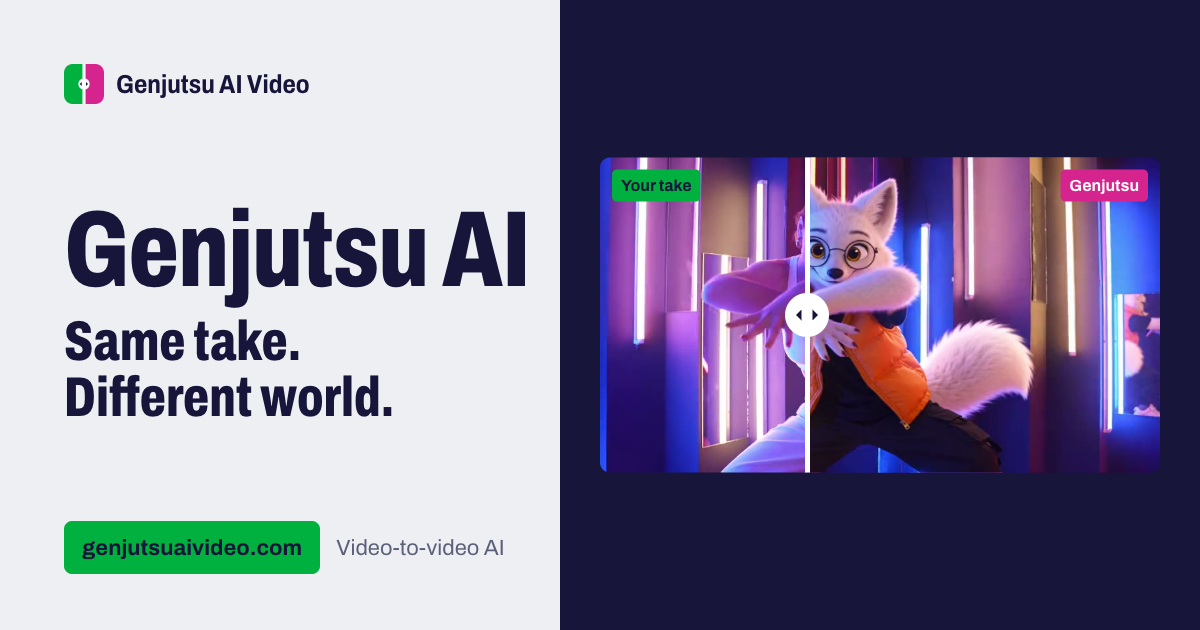 Genjutsu AI Video Editor | Video Editing | Video | Standard |
 AI Effect Studio | Video Editing | Video | Standard |
| video-editing | Video | Standard | |
| Video Generator | Video | Standard | |
 Dola AI Hub | Video Generator | Video | Standard |
LiveFaceSwap AI is real-time AI face swap software for live camera video. Test Face Swap, Try-On, or Restyle in your browser, then use LiveFaceSwap Desktop as a virtual camera.
Visit livefaceswap.ai ↗ LiveFaceSwap AI details → LiveFaceSwap AI alternatives →
AI face swap for videos and photos online in a few clicks.
Visit faceswap.video ↗ FaceSwap Video details → FaceSwap Video alternatives →
Rehearse character expressions and movements in your browser. Freemium: local webcam preview is free; live AI generation requires login and credits. Paid plans from $9.90/month.
Visit live-face-swap.net ↗ Live Face Swap details → Live Face Swap alternatives →
Upload a clip, describe the change, and Genjutsu AI swaps characters, outfits or scenes while aiming to keep the camera motion. From $4.99, no subscription.
Visit genjutsuaivideo.com ↗ Genjutsu AI Video Editor details → Genjutsu AI Video Editor alternatives →
A curated hub of video effects and creative filters you can try in the browser — browse trending looks and jump straight into demos.
Visit aieffectstudio.com ↗ AI Effect Studio details → AI Effect Studio alternatives →
Create songs, images, videos, and short films in one AI studio.
Visit synthpulseai.com ↗ SynthPulse details → SynthPulse alternatives →
RenderPop keeps image, video and motion tools in one browser workspace. You can start from a text prompt or a source photo, try a free Fast image, and then sign in to make credit-based videos. It also has motion templates that copy the moves and camera of a reference clip, such as the Burning Bridges and Tip Toeing trends, where you swap in your own people. Outputs range from 480p to 1080p, and you only upload…
Visit www.renderpop.app ↗ RenderPop details → RenderPop alternatives →
Browser workspace for AI video, image and audio. Compare Seedance, Kling and Wan models, see credit costs, try with 10 signup credits.
Visit dolaaihub.com ↗ Dola AI Hub details → Dola AI Hub alternatives →
Tools in the EveryAI index that do the same job as Vivify include LiveFaceSwap AI, FaceSwap Video and Live Face Swap. Each is compared on this page.
Each one's own description and features overlap with Vivify's, and tools for the same use case come first. Paid placement does not add a tool to this list; sponsored tools appear only in the labelled Sponsored box.
Vivify is a paid browser studio for live webcam looks. Choose Face Swap, Try-On, or Restyle, compare the AI output next to your original feed, and publish it as Vivify Camera.