AI tool · Art
AI tool · Art
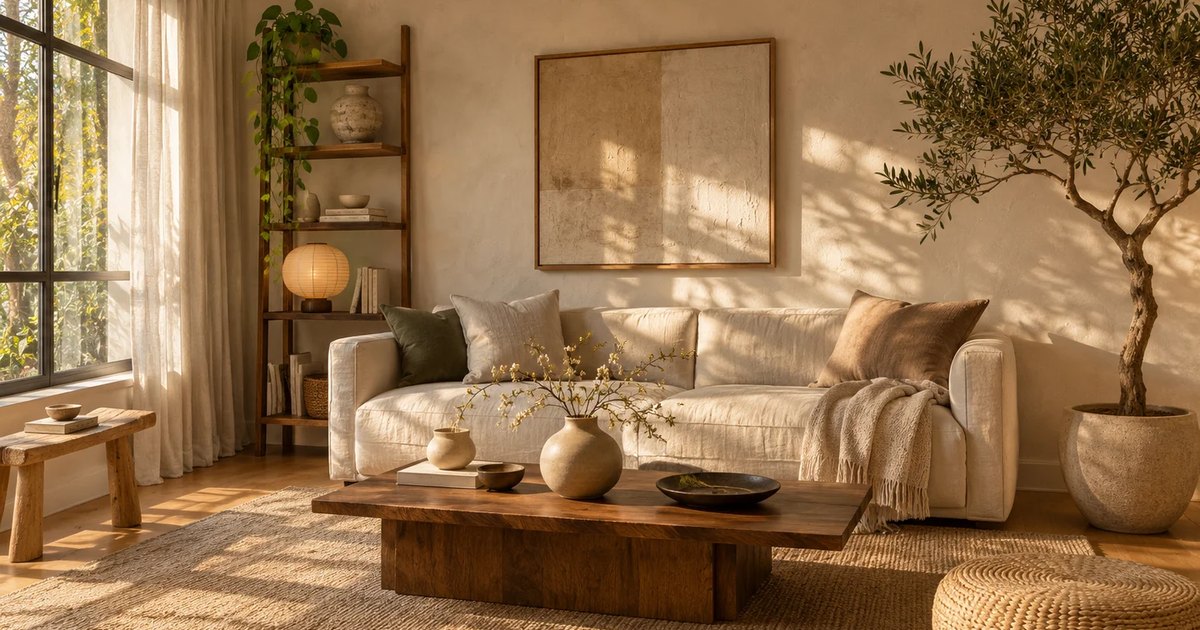
AI room design turns one photo of your room into a redesigned version of that same space.
Claim this listing to edit it and see how many visits EveryAI sends you. Make it Featured to pin it above standard listings in Image, add the Featured badge and get its own spotlight post: $49, one time.
Claim TryRoomDesign →| Tool | Listing | Category | Visit |
|---|---|---|---|
| TryRoomDesign This tool | Standard | Image | Visit tryroomdesign.com ↗ |
| Featured | Other | Visit flowspace.co ↗ | |
| Standard | Image | Visit aiphotosmaker.com ↗ | |
| Standard | Image | Visit pencilartai.com ↗ |
 BasedFrameAI interior design that wins rooms, clients and listings
AI room design turns one photo of your room into a redesigned version of that same space.
TryRoomDesign is listed on EveryAI under Image, for Art.
On the official website at tryroomdesign.com, which also has its current plans and pricing. Open tryroomdesign.com ↗