
AI tool · Customer Support
In short: TrolyPage is a Business AI tool (Customer Support), available at trolypage.com. Similar tools: Owni.chat, miniDesk, FloGPT.
TrolyPage is a shared inbox and social publishing workspace for teams handling customer conversations across Messenger, Instagram, WhatsApp, Telegram, Zalo OA and website chat.
Claim this listing to edit it and see how many visits EveryAI sends you. Make it Featured to pin it above standard listings in Business, add the Featured badge and get its own spotlight post: $19, one time.
Claim TrolyPage →| Tool | Listing | Category | Visit |
|---|---|---|---|
| TrolyPage This tool | Standard | Business | Visit trolypage.com ↗ |
| Standard | Business | Visit owni.chat ↗ | |
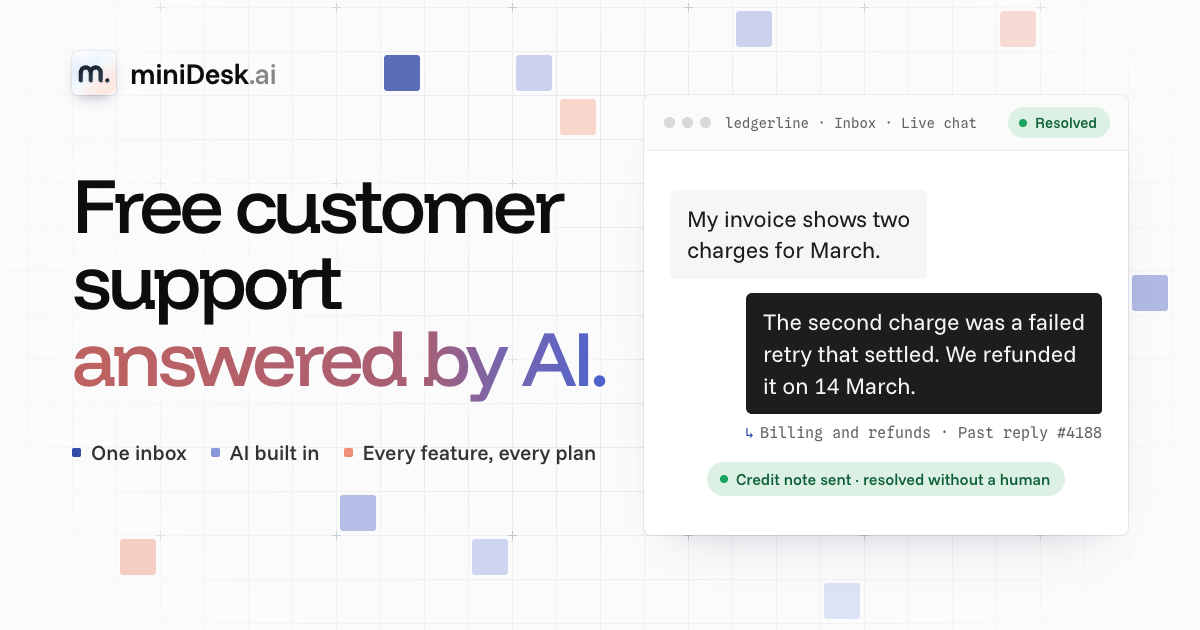 miniDesk | Standard | Business | Visit minidesk.ai ↗ |
| Standard | Business | Visit flogpt.com ↗ |
miniDeskLive chat, email, web forms, WhatsApp and Instagram in one inbox, with an AI agent that…
TrolyPage is a shared inbox and social publishing workspace for teams handling customer conversations across Messenger, Instagram, WhatsApp, Telegram, Zalo OA and website chat.
TrolyPage is listed on EveryAI under Business, for Customer Support.
On the official website at trolypage.com, which also has its current plans and pricing. Open trolypage.com ↗
Similar Business tools listed on EveryAI include Owni.chat, miniDesk and FloGPT. The comparison on this page links each one.