
Alternatives · Video · updated 2026-11-27
In short: the closest alternatives to VidMage on EveryAI are FreeImage2Video, Wan 3.0 and Seedance 2 AI Video Generator. VidMage: VidMage is a browser-based AI video and image creator for designers, social media creators, and small marketing teams. Animate a product photo with a camera motion prompt, create a draft clip from a…
| Tool | Best for | Category | Listing |
|---|---|---|---|
| VidMage This tool | — | Video | Standard |
| video-generator | Video | Standard | |
 Wan 3.0 | Video Generator | Video | Standard |
| Video Generator | Video | Standard | |
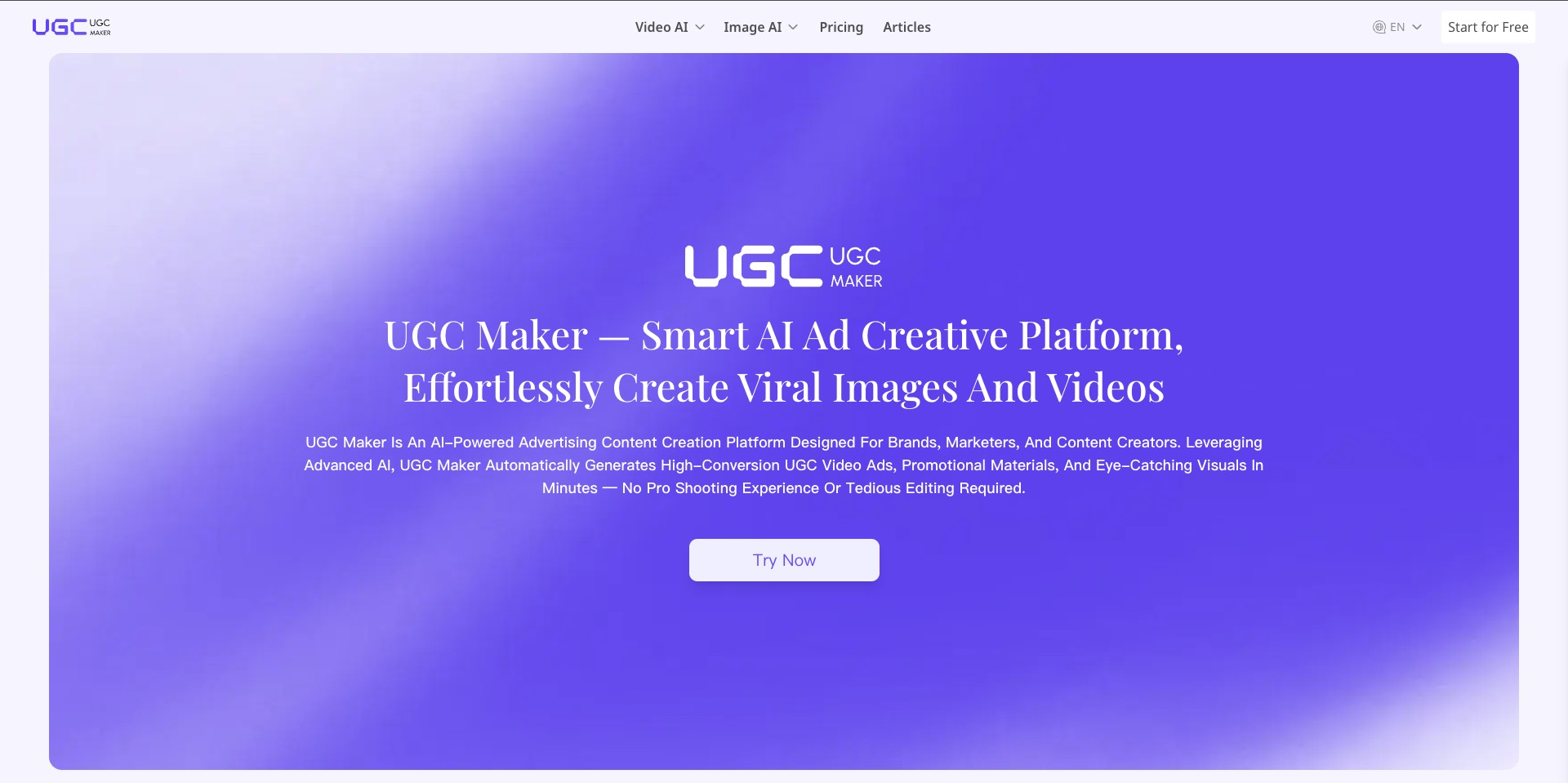 UGC Maker AI | Video Generator | Video | Standard |
| video-generator | Video | Standard | |
| Video Generator | Video | Standard | |
 Mexico Pterodactyl AI | Video Generator | Video | Standard |
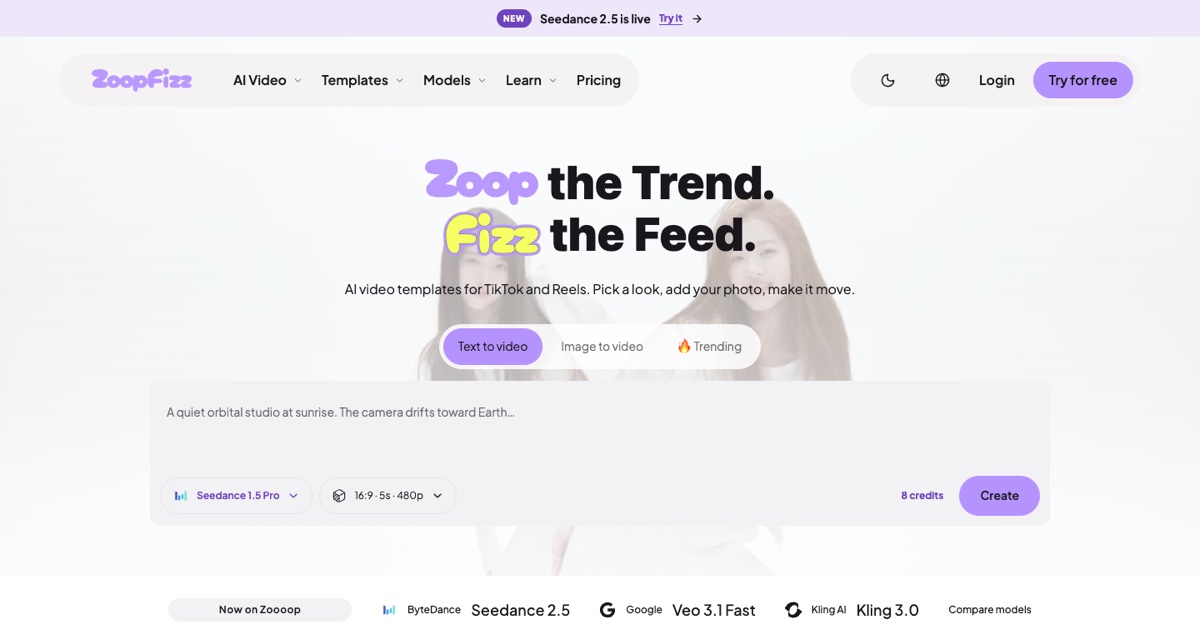 ZoopFizz | Video Generator | Video | Standard |
Turn a still image into a short AI video in your browser, with an optional prompt to guide the motion.
Visit freeimage2video.com ↗ FreeImage2Video details → FreeImage2Video alternatives →
Wan 3.0 is an AI video generator for image-to-video and text-to-video. It helps you create short AI videos from a written prompt or from a still image, without a studio or a long editing session. The product is built for creators, small teams and anyone who wants to test a visual idea quickly. You describe the scene, choose an image when you already have one, and Wan 3.0 produces a short clip you can review. The…
Visit wan30.video ↗ Wan 3.0 details → Wan 3.0 alternatives →
Seedance2.media lets creators turn text prompts and images into smooth, cinematic AI videos with Seedance 2 — fast, high-quality motion for ads, social clips and storytelling.
Visit seedance2.media ↗ Seedance 2 AI Video Generator details → Seedance 2 AI Video Generator alternatives →
Turn product photos and text prompts into short product demos, social clips, and UGC-style video ads.
Visit ugcmaker.org ↗ UGC Maker AI details → UGC Maker AI alternatives →
Stilmo turns 1-3 reference images into consistent AI videos for products, characters, social clips, and motion posters.
Visit referencetovideo.org ↗ Stilmo | Reference to Video AI Generator details → Stilmo | Reference to Video AI Generator alternatives →
Convert vintage and black-and-white portraits into expressive short clips with Photo Animate's photo-to-video tools built for heritage projects.
Visit photoanimate.org ↗ Photo Animate details → Photo Animate alternatives →
Step into a Mexico pterodactyl scene with your selfie. Pick a clip to follow its motion, or make a photo first to bring your own pet or backyard into the shot.
Visit pterodactylmexico.com ↗ Mexico Pterodactyl AI details → Mexico Pterodactyl AI alternatives →
AI video templates for TikTok & Reels: photo or text in, short clips out—compare Seedance, Veo, Wan and more in one credit workspace.
Visit zoopfizz.com ↗ ZoopFizz details → ZoopFizz alternatives →
Tools in the EveryAI index that do the same job as VidMage include FreeImage2Video, Wan 3.0 and Seedance 2 AI Video Generator. Each is compared on this page.
Each one's own description and features overlap with VidMage's, and tools for the same use case come first. Paid placement does not add a tool to this list; sponsored tools appear only in the labelled Sponsored box.
VidMage is a browser-based AI video and image creator for designers, social media creators, and small marketing teams. Animate a product photo with a camera motion prompt, create a draft clip from a written brief, or generate and refine an image before animating it. Use the clips to compare ad…