Alternatives · Video · Video Generator · updated 2026-11-25
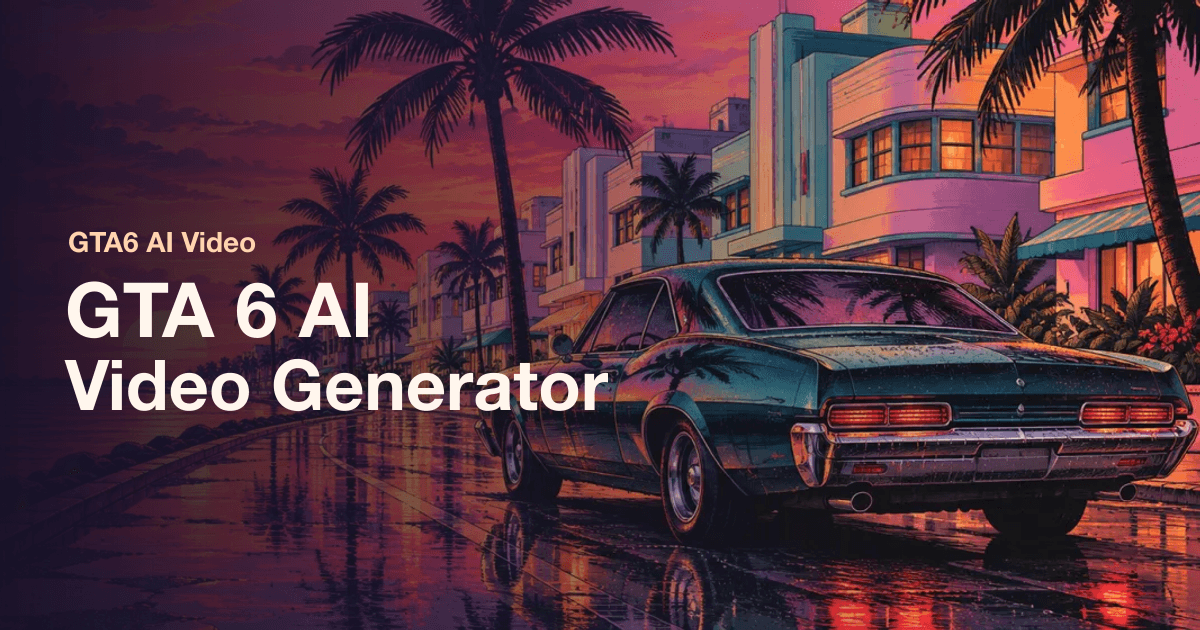
In short: the closest alternatives to GTA6 AI Video on EveryAI are Motion Control, Motion Transfer and AI Video Generator. GTA6 AI Video: Create fan-inspired GTA videos from your photos. Choose a prepared scene, or start from a prompt, image or reference clip, then generate.
| Tool | Best for | Category | Listing |
|---|---|---|---|
| GTA6 AI Video This tool | Video Generator | Video | Standard |
 Motion Control | Video Generator | Video | Standard |
| Video Generator | Video | Standard | |
| Video Generator | Video | Standard | |
| Video Generator | Video | Standard | |
| Video Generator | Video | Standard | |
| Video Generator | Video | Standard | |
| Video Generator | Video | Standard | |
 Dame Hombro AI | Video Generator | Video | Standard |
Motion Control turns photos and a reference clip into AI videos. Use a prepared motion template or upload your own clip, then generate.
Visit motion-control.app ↗ Motion Control details → Motion Control alternatives →
Make your photos move with motion transfer AI video: add a character photo and a reference clip, pick a trend or upload your own, then generate.
Visit motiontransfer.video ↗ Motion Transfer details → Motion Transfer alternatives →
Turn personal photos into short videos with prepared lion-riding and Santa dance scenes. Paid generation uses one-time credit packs from $9.99.
Visit aivideogenerator.ink ↗ AI Video Generator details → AI Video Generator alternatives →
AI text-to-video and image-to-video that turns a prompt or still into an editable clip.
Rapper AI is an AI rap video generator for creators, marketers, and fans who want short-form performance clips without a full editing stack. Pick a curated template, upload performer photos, choose duration 1–15s and aspect 9:16 or 16:9, review the live credit quote, then generate clips with audio for TikTok, Reels, and ads. Sign-in and credit packs required; failed jobs refund credits; no free signup credits.
Visit rapperai.app ↗ Rapper AI details → Rapper AI alternatives →
Create AI videos from text or images with Dola AI. Sign up for free credits, choose a video model, and download your clips. Image generation is also available.
RenderPop keeps image, video and motion tools in one browser workspace. You can start from a text prompt or a source photo, try a free Fast image, and then sign in to make credit-based videos. It also has motion templates that copy the moves and camera of a reference clip, such as the Burning Bridges and Tip Toeing trends, where you swap in your own people. Outputs range from 480p to 1080p, and you only upload…
Visit www.renderpop.app ↗ RenderPop details → RenderPop alternatives →
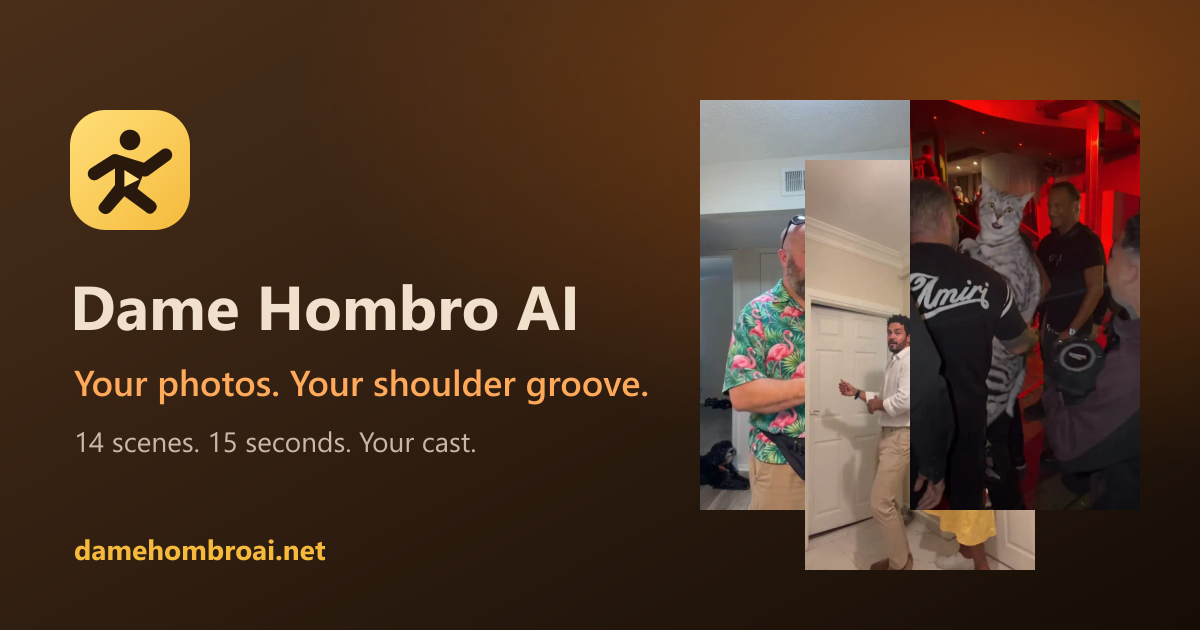
Dame Hombro AI turns 1-3 photos into a 15-second dance or freestyle clip inspired by the Dame Hombro trend, at 720p with generated audio. One-time packs from $9.99, no subscription.
Visit damehombroai.net ↗ Dame Hombro AI details → Dame Hombro AI alternatives →
Tools in the EveryAI index that do the same job as GTA6 AI Video include Motion Control, Motion Transfer and AI Video Generator. Each is compared on this page.
Each one's own description and features overlap with GTA6 AI Video's, and tools for the same use case come first. Paid placement does not add a tool to this list; sponsored tools appear only in the labelled Sponsored box.
Create fan-inspired GTA videos from your photos. Choose a prepared scene, or start from a prompt, image or reference clip, then generate.